
MCBot
A desktop launcher for Minecraft: Java Edition, with AI help built in.
MCBot runs separate Minecraft instances with any mod loader (Fabric, Quilt, Forge, NeoForge), manages mods, shaders and resource packs, and adds an AI assistant that sets up modded instances from a plain description, explains and fixes crashes, and helps you make simple mods. It's made by Cane Bay Computers in Summerville, South Carolina.
What it does
Instances
Any Minecraft version with Vanilla, Fabric, Quilt, Forge or NeoForge. Each instance has its own mods, worlds, settings and Java. Game files come from Mojang's official servers.
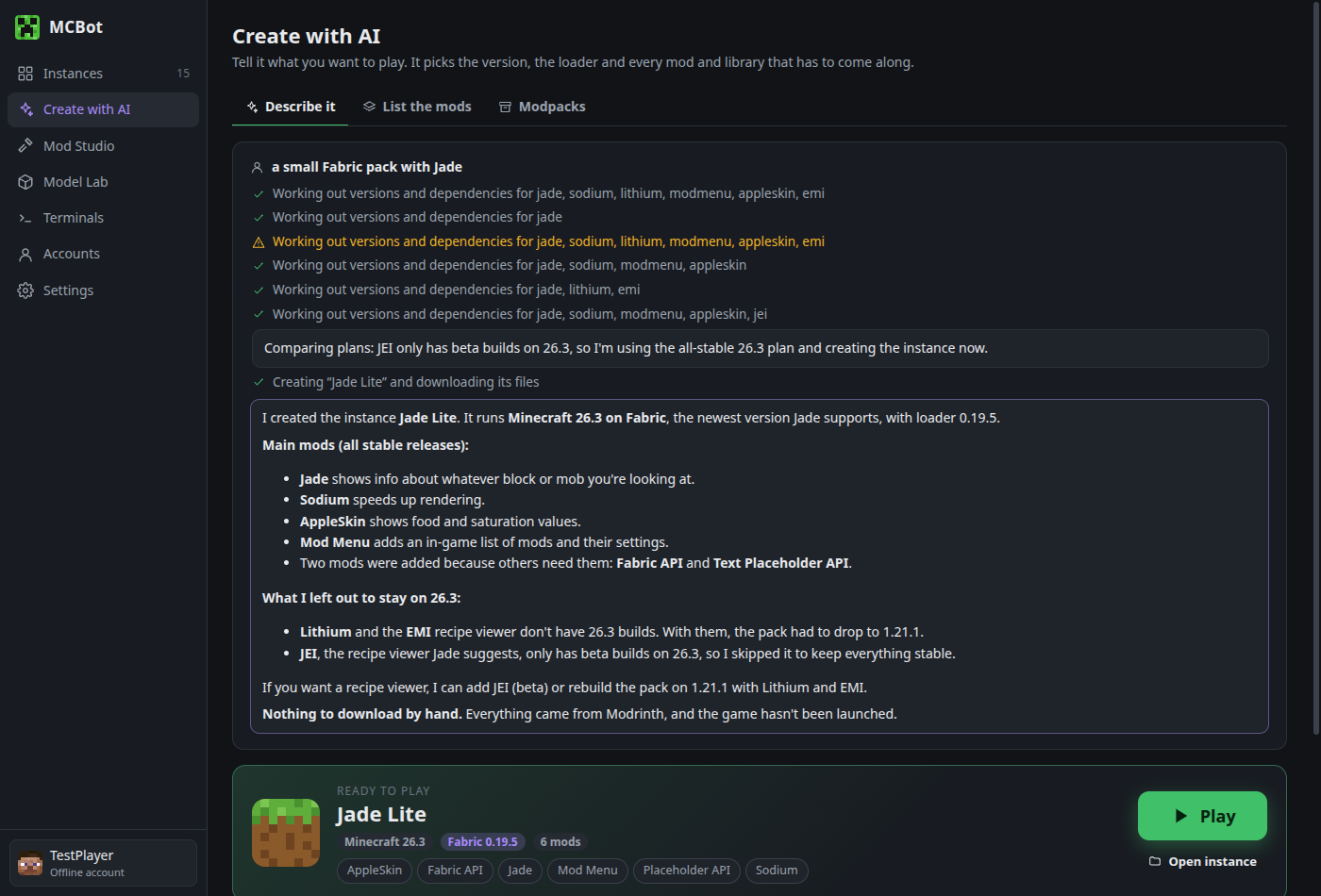
Create with AI
"Dragons and magic with a minimap" becomes a working instance: the right game version, loader and mod versions, chosen to work together.
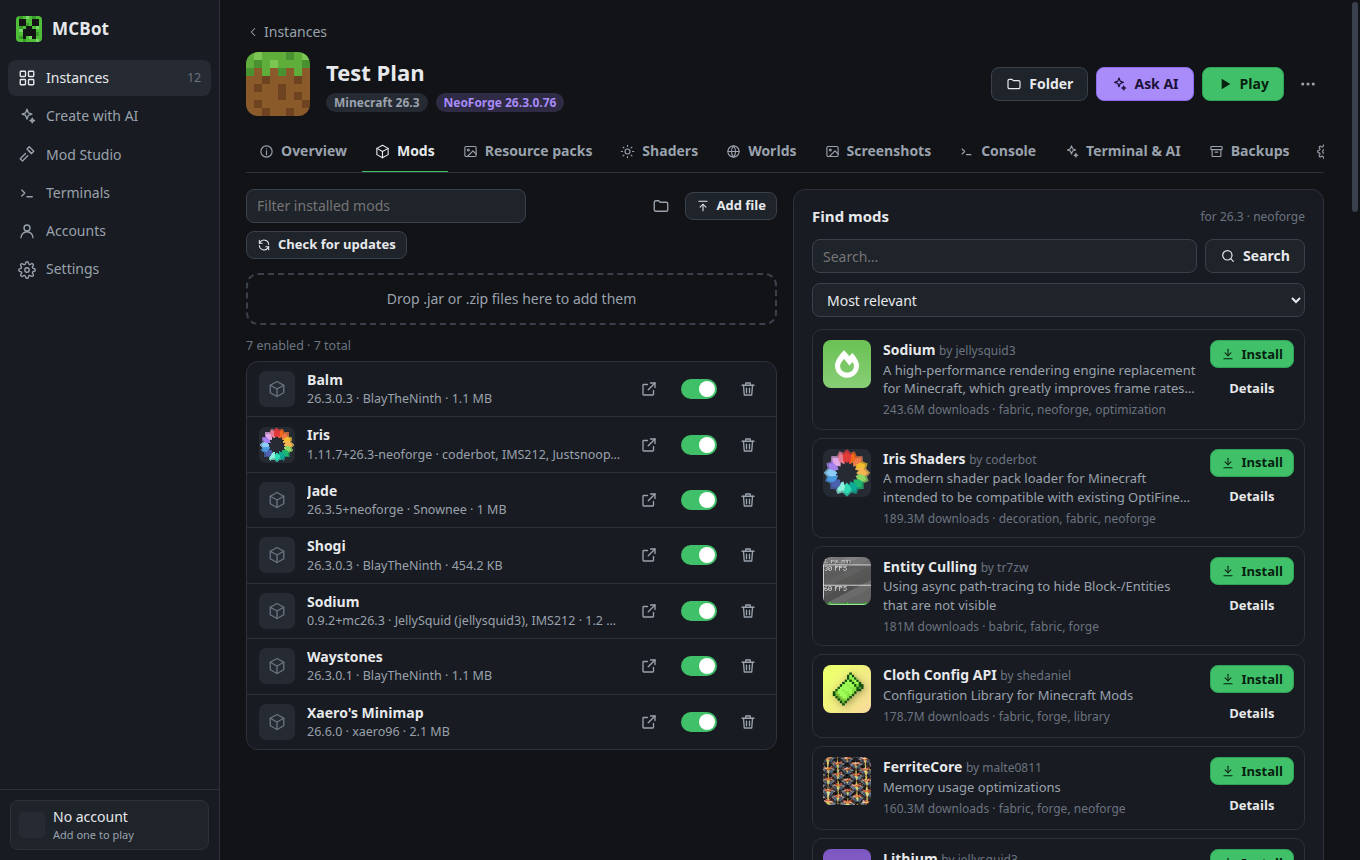
Mods & shaders
Browse, install, update and toggle content, with required dependencies resolved automatically.
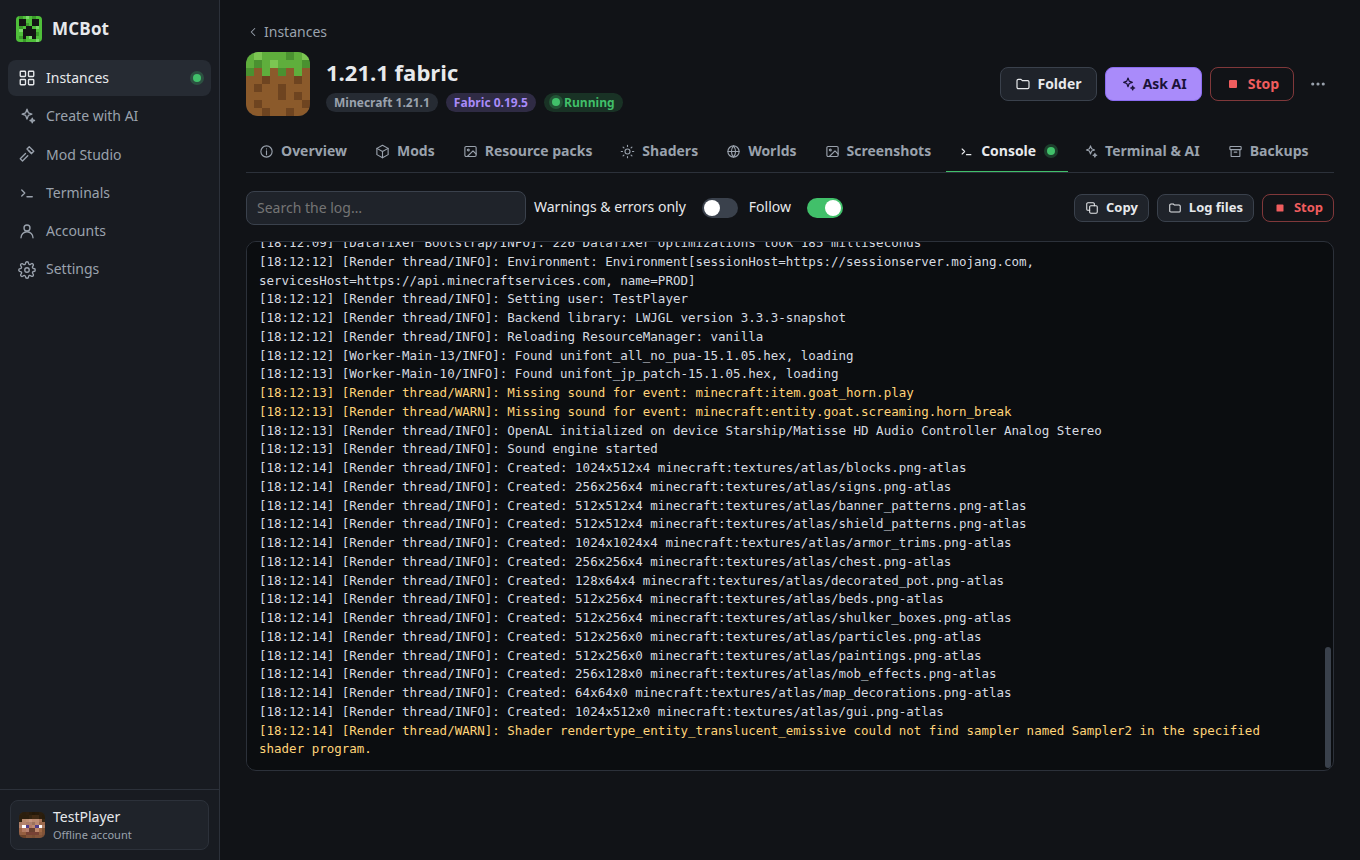
Diagnose with AI
When the game crashes, the assistant reads the crash report and points to (and can disable or update) the mod responsible.
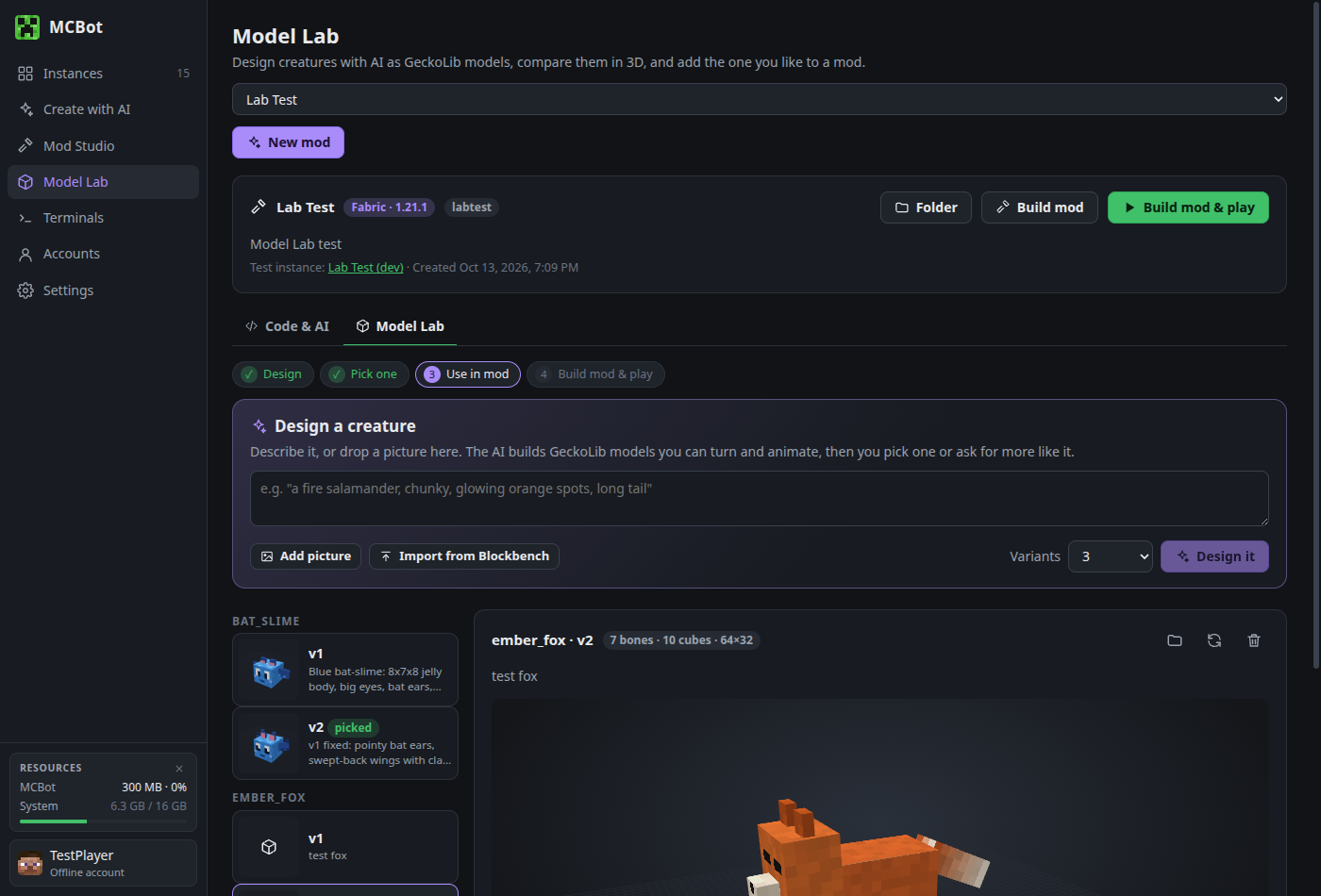
Mod Studio
Start simple mods from the official Fabric, NeoForge or Forge templates and test them in their own instance.
Backups & settings
Archive instances locally or to your own cloud storage; Java, memory, window and performance settings per instance; 18 languages.
Signing in
MCBot signs players in with their Microsoft account through Microsoft's official sign-in page (device-code flow), then Xbox Live and Minecraft services, exactly like other launchers. MCBot never sees your password. The game only launches for accounts that own Minecraft: Java Edition. Offline profiles for single-player and LAN unlock only after an account that owns the game has signed in on that computer.
Privacy
MCBot runs on your computer and has no MCBot server or analytics. Sign-in tokens are stored only on your computer, encrypted with your operating system's keyring. Read the full privacy policy.
Contact
Cane Bay Computers & Mobile · 1544 State Rd, Summerville, SC 29486 · canebaycomputers@gmail.com